YOUR AI TRANSITION DIRECTOR
Make the cut.
Break reality.↗
Two clips. A connection
you never saw coming.
Keep your footage. Generate only the transition between your shots.
Make your first transition
01 / INThe everyday.
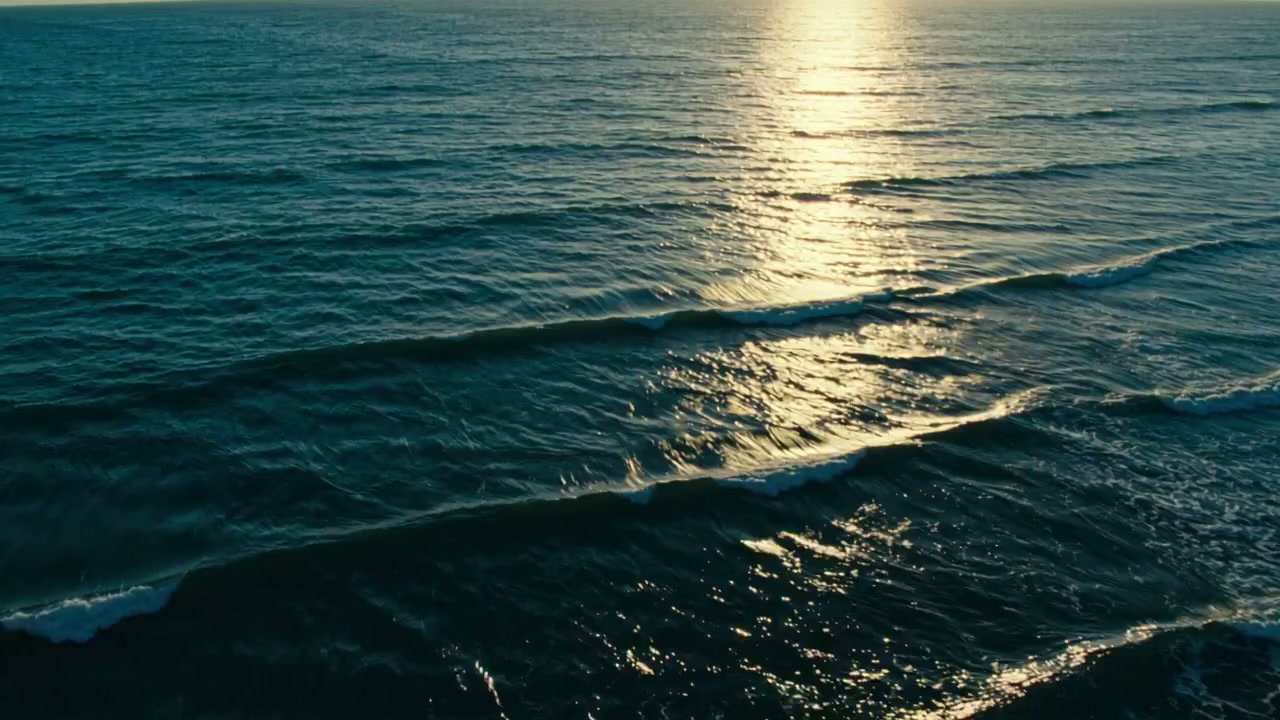
02 / OUTThe unexpected.
THE IN-BETWEENBRIDGE — 001
Coffee, meet ocean.
FROM CLIPS TO CONNECTIONYour next edit,
Your next edit,
in three steps.
- 01
Bring your clips.
Choose where the shot starts and ends.
- 02
Pick your move.
Find a connection that fits your footage.
- 03
Make the cut.
Preview, fine-tune, and export.